Where do I enter my gift card or discount code?Updated 8 months ago
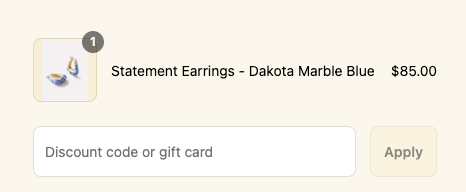
You can apply a discount code or Digital Gift Card to your order on our checkout page. You will see a place to enter your code under your order summary (marked by a plus sign). After entering the code, the button labeled "Apply" will change from grey to red. Click this button to apply the code. The side cart will refresh and your subtotal will update based on the discount or value of the gift card. If the subtotal does not update, the code you entered is not valid.
Please note we can only honor one discount code per order. Your discount code may or may not be combined with other promotions (for example, Gift With Purchase, AL Luxe discounts). Digital Gift Cards are only available to US customers.